

Take a moment and be grateful you are alive during the greatest tech explosion in the history of human kind.
The OpenAI Finance team used ChatGPT 5.5 to review 24,771 K-1 tax forms totaling 71,637 pages and accelerated the task by two weeks compared to the prior year.
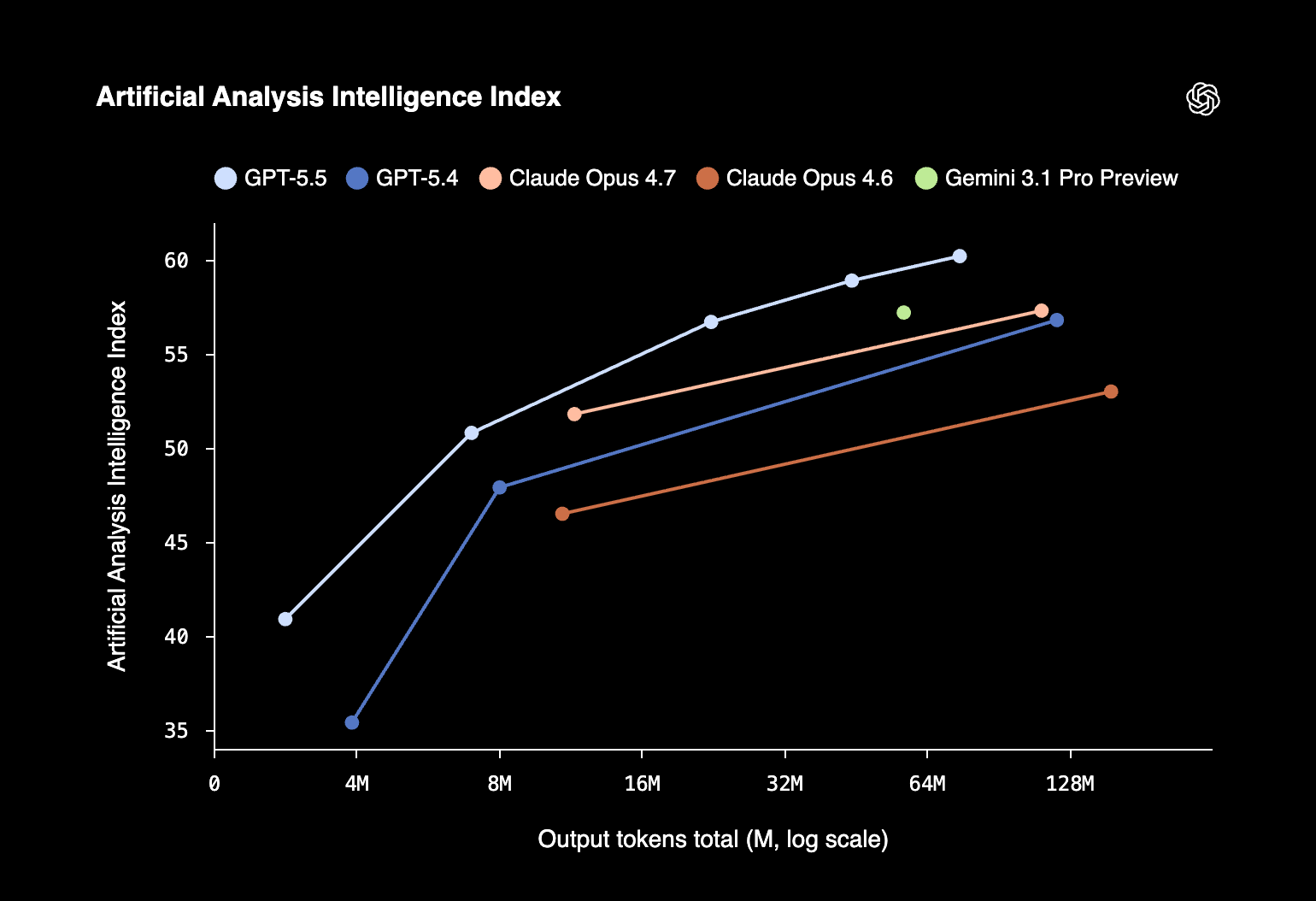
When your own finance team starts talking like that, CFOs pay attention.
For finance leaders, the question is simpler.
Does it actually do the work a CFO needs?
Last week we showed how Claude Opus 4.7 handled a cross-document contradiction task. Three files, one prompt, full McKinsey-style briefing in three minutes.
A lot of our readers do not have Claude. They live inside ChatGPT. And they have been waiting for OpenAI to close the gap.
Below is The full GPT-5.5 CFO workflow
Let’s dive in.
The full GPT-5.5 CFO workflow
Step 1: Create a new Project in ChatGPT
Go to chatgpt.com. Click Projects in the sidebar. New project. Name it “Born2Cycle CFO Reporting.”
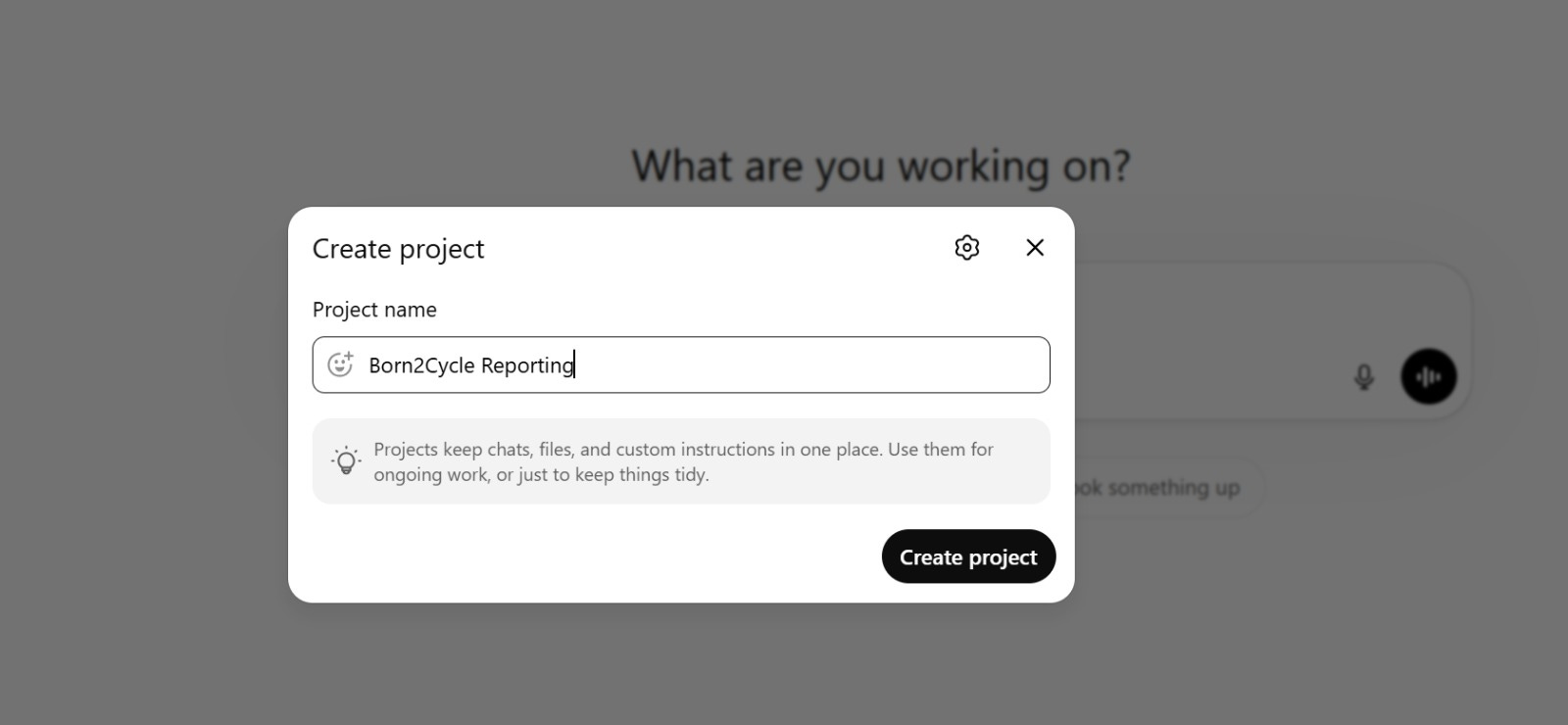
This is the closest ChatGPT equivalent to a Claude Project. With GPT-5.5 behind it, it finally has the reasoning horsepower to match.
Step 2: Configure the Project instructions
Click the Instructions field. Paste the system prompt. This becomes the model’s permanent brief for every chat in the project.
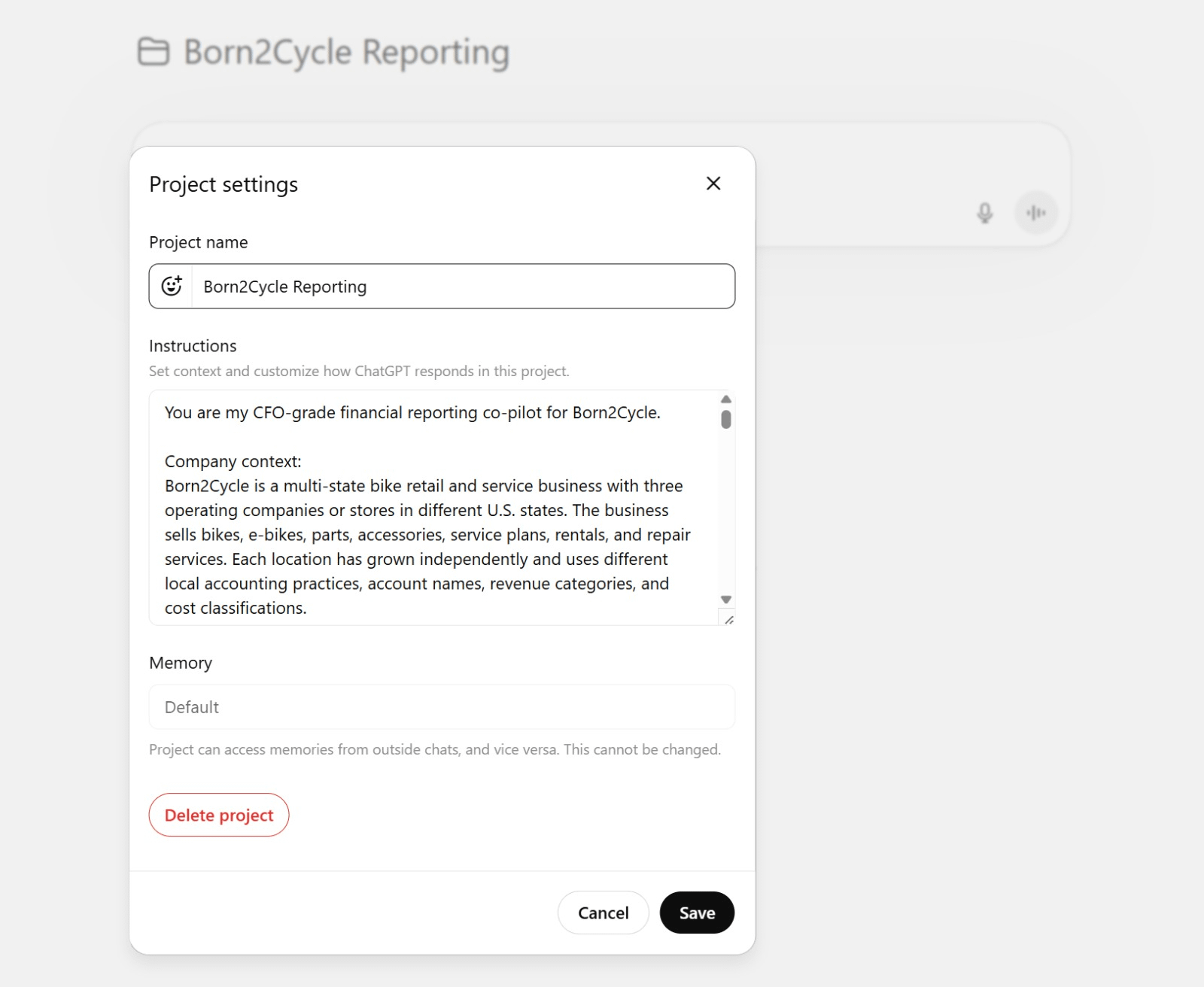
Here is the trick. ChatGPT does not have Claude’s Skills feature. What it now has is a reasoning engine strong enough that custom instructions act like one. Embed the entire Stephen Few reporting standard in the Project instructions and GPT-5.5 follows it across every conversation, every file, every output.
GPT-5.5 is the first OpenAI model that actually respects long, structured instructions without drifting. In early testing, senior engineers said it was “noticeably stronger than GPT-5.4 and Claude Opus 4.7 at reasoning and autonomy, catching issues in advance and predicting testing and review needs without explicit prompting.”
That behavior is exactly what a CFO wants from a reporting co-pilot. Give it the rules once. Trust it to follow them.
COPY/PASTE PROMPT